

When you're managing multiple instructors across dozens of weekly lessons, the administrative work piles up fast. Tracking attendance, calculating payroll, coordinating schedules, and keeping parents updated shouldn't require three different tools and hours of manual work. That's why staff management software built for music schools and tutoring centers matters. In this post, we'll look at four systems that connect attendance directly to instructor pay, handle billing automatically, and give everyone (staff, parents, and you) the information they need without requiring constant back-and-forth messaging.
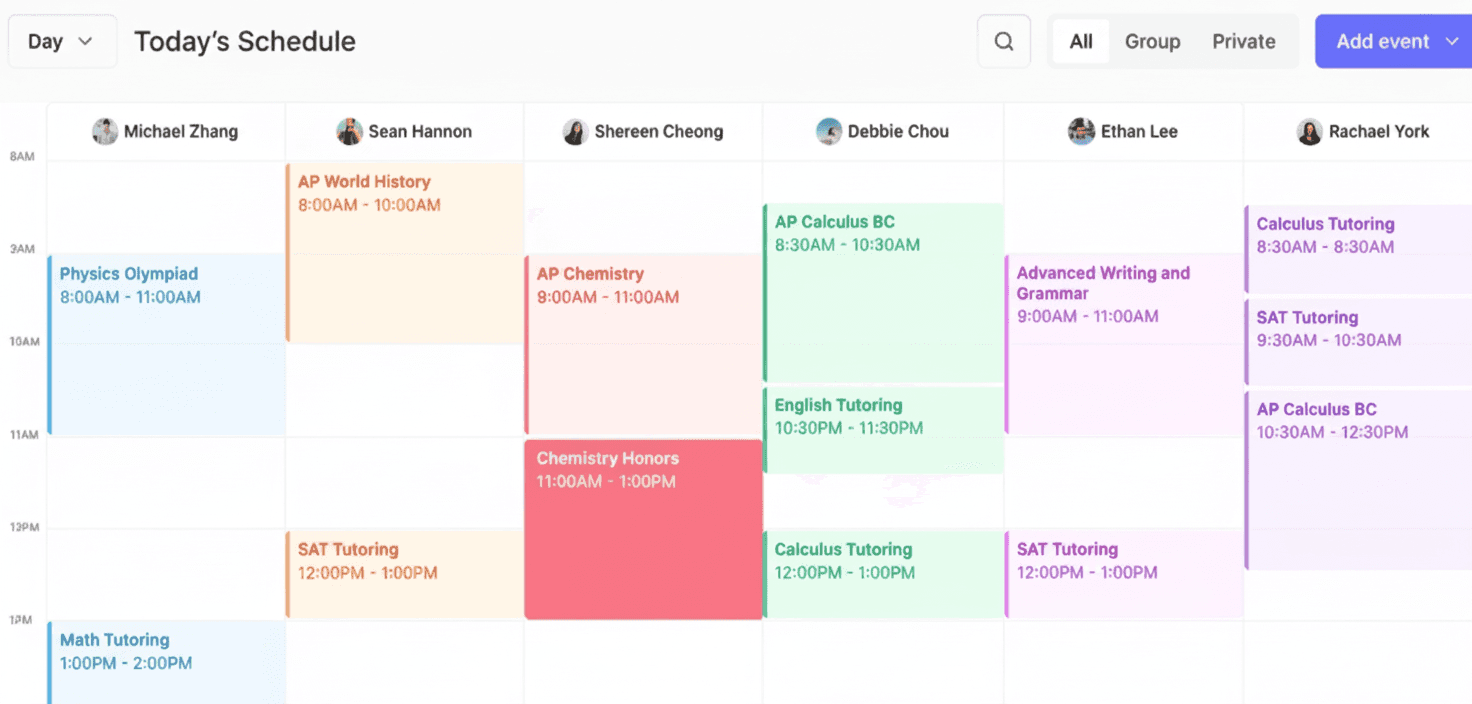
TLDR:
Without the right software, music schools and tutoring centers can waste hours on manual scheduling, payroll, and lead tracking.
Software for music schools and tutoring centers should be able to handle attendance-to-payroll workflows and include built-in CRM (customer relationship management).
A full-featured tool will also be able to handle automatic payroll calculation and keep instructor schedules organized and current.
Noto is a great choice because it combines scheduling, billing, CRM, and communication in one system built expressly for lesson-based businesses.
The Challenges of Running a Music School or a Tutoring Center
Running a music school or tutoring center means juggling far more than just teaching schedules.
Tutoring centers and music schools must coordinate back-to-back sessions, track attendance across dozens of weekly lessons, monitor which tutors are available when, and compile reports for parents and payroll. Doing this manually or through generic spreadsheets creates constant errors and can eat up hours each week.
Directors and owners carry even more on their plates: developing curriculum, evaluating student progress, handling budgeting, marketing new programs, and managing all the administrative tasks that keep the business running. When you're also trying to grow enrollment or open new locations, something has to give.
Generic office software wasn't built for these education-specific workflows. You need purpose-built tutoring software or music school software that understands lesson-based operations, handles instructor coordination naturally, and automates the repetitive tasks that currently drain your time.
These four tools were designed to ease that burden.
Teachworks
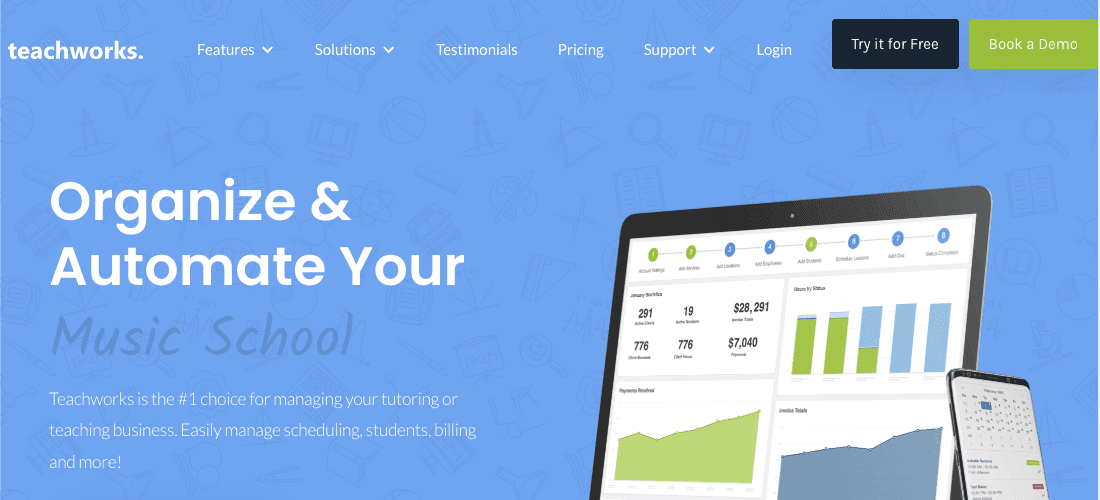
Pros: Teachworks offers complete scheduling and calendar tools for one-on-one and group lessons, with multiple calendar views, drag-and-drop scheduling, recurring lessons, and tutor-availability controls. For businesses with multiple tutors, Teachworks supports layered permissions: tutors, admins, clients can have different access; tutors can manage their own schedules, and admins can oversee operations. Billing and invoicing are flexible, and Teachworks supports multi-location operations.
Cons: Teachworks can feel overwhelming for smaller operations; the interface may seem complex, and it takes time to learn. Some integrations may be limited, depending on plan and add-ons. And depending on the plan and usage, subscription costs may seem steep, compared with other options.
Bottom line: Teachworks is a solid solution for tutoring businesses that need structure, flexibility, and multi-tutor coordination. It may make sense for multi-location operations, or businesses that run both group and individual sessions. However, its complexity and price may make it unsuitable for many businesses.
TutorCruncher
Pros: TutorCruncher offers features for tutor, client, and student management: fully customizable and unlimited user profiles, advanced filtering and export, self-service registration for tutors and clients, and solid CRM. Scheduling, calendar management, billing, payroll, and online payment integration are all built in. TutorCruncher also supports reporting and analytics, giving business owners insights into tutor workloads, revenue, bookings, and more. For agencies or tutoring centers with multiple tutors/clients, TutorCruncher streamlines onboarding (with tutor applications, background checks, approvals).
Cons: Because TutorCruncher's interface can be unintuitive, it can take a while to learn to use, especially for small teams who just want simple scheduling and billing. Some users report that analytics and business-insight features are still lacking. Also, for basic users, the breadth of features can feel like overkill: you might pay for functionality you never use. And when compared with simpler tools, TutorCruncher may have higher cost or complexity.
Bottom line: TutorCruncher is meant for medium to large tutoring centers, agencies, or any business with many tutors and students to coordinate. Its CRM, scheduling, billing, payroll, and analytics features cover most of the business-management needs under one roof — particularly helpful when scaling up. However, for very small operations or solo tutors, the complexity and range of features might outweigh the benefits.
TutorBird
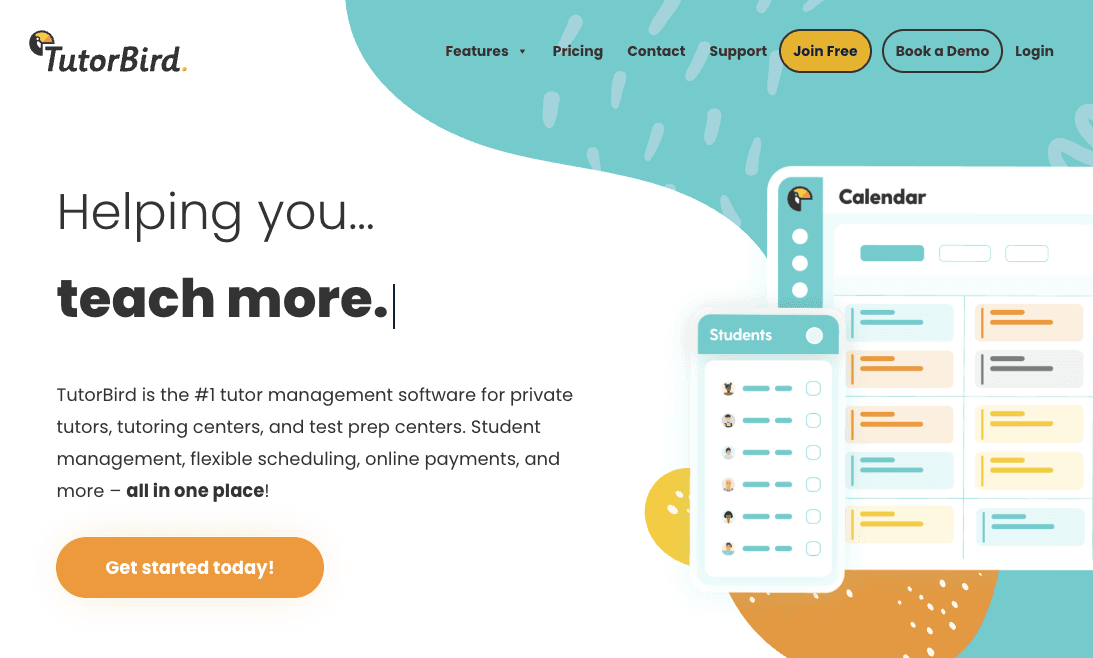
Pros: TutorBird is an affordable, straightforward, all-in-one solution for scheduling, lesson tracking, payments and invoicing, and tutor management. It even has a built-in website builder. The customer portal gives clients access to their schedules, payment history, lesson notes/resources, and booking details. For solo tutors or small shops without much need for administrative support, TutorBird provides enough to run a business cleanly at relatively low cost.
Cons: Because TutorBird is designed for simplicity, its staff-management features and advanced business-analytics tools are relatively limited. Some users note that features such as expense tracking, complex billing schemes, deep financial reporting, and multi-branch support are missing or require manual work. Also, dedicated mobile apps for tutors and students are limited or absent, which may be a drawback for on-the-go scheduling or management.
Bottom line: TutorBird is meant for solo tutors or small tutoring businesses who value ease of use, affordability, and straightforward scheduling, billing, and student management. However, for businesses with multiple tutors, plans to grow, or complex scheduling/invoicing needs, it will likely not suffice.
Noto
Pros: Noto was built specifically for lesson-based businesses; it combines scheduling, CRM, invoicing, staff portals, and parent/student portals in one unified platform. This unified-system approach means that private and group classes, attendance, billing, class packs, and online-lesson support are all managed in one place, which simplifies operations and reduces tool-overload. Noto also supports direct bank payments (ACH), which come with much lower processing fees than credit card payments: the savings to your business can make a difference (more on this later). And for businesses with multiple instructors, Noto’s Studio and higher plans include staff payroll, custom forms, advanced reporting, and self-scheduler/rescheduler features, helping manage a team without external spreadsheets.
With Noto, each instructor has a dedicated portal to view schedules, check earnings, and receive automatic updates when changes occur. Noto's CRM captures and tracks leads from first contact through enrollment. And parents can enjoy a unified portal experience with clean navigation and automatic communications.
Cons: While Noto handles all the important tasks involved with running a music school or tutoring center, solo users may not need every feature.
Bottom line: Noto is a strong, modern all-in-one solution for tutoring businesses, especially those with multiple tutors or plans to grow. Its unified scheduling, billing, staff management, and parent/student portals reduce administrative overhead and make it easier to scale, while ACH payment support and built-in payroll lighten financial operations. For growing tutoring operations that want to avoid juggling multiple apps, Noto offers a clean, easy-to-use, integrated way forward.
More on Payment Processing and Transaction Costs
Credit card processing runs between 2.5% and 3.5% per transaction. With Noto, ACH bank transfers cost 0.5%.
So a tutoring center collecting $50,000 monthly in payments pays $1,250 to $1,750 each month in credit card fees. That same volume through ACH costs just a few hundred dollars.
For a music school processing $500,000 annually, the gap between 3% credit card fees ($15,000) and minimal ACH costs represents money that stays with your school instead of going to processors.
Noto includes direct ACH acceptance and makes it simple for families to add bank payment information through their portal. The system prompts this payment method because the savings matter. Most tutoring software and music school CRM options treat ACH as secondary. We built payment processing around it to help education businesses keep more revenue.
Why Noto Is the Better Choice
Teachworks, TutorCruncher, and TutorBird each serve specific use cases with varying levels of functionality.
Noto unifies CRM, scheduling, billing, payroll, and communication in one system designed specifically for music schools and tutoring centers. Automated workflows from lead capture through payroll calculation save hours of administrative work each week.
Built-in ACH payment processing reduces transaction costs compared to credit card fees. The interface requires minimal training for staff and provides a professional experience for parents.
Final Thoughts on Staff Management Software for Music Schools and Tutoring Centers
The administrative burden of coordinating instructors, tracking attendance, and managing family billing adds up quickly. Instructor scheduling software that automates these workflows gives you time back to focus on program quality and growth. We built Noto specifically for education businesses because you need tools that understand how lesson-based operations actually work, not generic software that requires constant workarounds.
FAQ
How do I reduce payment processing fees for my music school or tutoring center?
Switch from credit card payments to ACH bank transfers, which cost 0.5% per transaction instead of 2.5% to 3.5%. Using Noto, school processing $500,000 annually saves approximately $12,500 by moving most payments to ACH through parent portals that make bank account setup simple.
What's the difference between tutoring software built for multi-instructor businesses versus solo tutors?
Multi-instructor systems include staff portals where teachers view schedules and earnings, automated payroll calculations tied to attendance, and master calendars that prevent booking conflicts. Solo tutor tools typically lack these features and require manual coordination as you add instructors.
Using Noto, can I manage families with multiple children under one account?
Yes, Noto's family account features let you schedule each child's individual lessons while consolidating all charges into one invoice. Parents log into a single portal to view all their children's schedules and submit one payment, reducing billing confusion and late payments.
How does attendance tracking connect to billing and payroll?
In Noto, when instructors mark lessons complete, the system automatically applies charges to family accounts based on your billing model (per-session, packages, or subscriptions) and adds amounts to instructor payroll totals using their configured pay rates. This eliminates manual reconciliation between attendance records, invoices, and paychecks.