

You probably send the same updates to parents every single week: lesson reminders, attendance confirmations, payment notifications, and more. If you're typing those messages out manually or juggling multiple apps to get the job done, there's a better way. Lesson business messaging software can automate the repetitive tasks involved with keeping families informed and connected. Let's walk through what features actually matter when you're choosing a communication tool for your tutoring center, music school, or similar business.

TLDR:
Parent communication tools cut admin time by automating lesson reminders and billing notifications.
SMS messages have a 98% open rate, while email messages have a 35% open rate, so SMS communications can reduce no-shows and last-minute cancellations.
Parent portals should let families check schedules and update payments themselves.
Integrated systems beat standalone apps when you need communication tied to student records.
Noto connects messaging to lesson data so reminders trigger from real attendance and billing events.
Why Parent Communication Matters for Lesson-Based Businesses
Only 55% of parents report being 'very satisfied' with how their school communicates with them, indicating plenty of room for improvement in educational communication. Consistent communication with parents drives three critical business outcomes.
Building trust and transparency leads directly to higher retention rates. Families who feel connected to their child's progress are less likely to leave for a competitor.
Proactive updates about schedule changes, billing, and lesson details eliminate back-and-forth emails and phone calls.
Timely, professional updates through organized channels signal that your lesson-based business is well managed and trustworthy.
Core Features Every Parent Communication Tool Should Have
The right communication tool works well with the recurring, relationship-driven nature of tutoring and music education.
Necessary capabilities for lesson-based businesses include:
Automated lesson reminders tied directly to your schedule, so parents receive notifications before each session without manual effort on your part.
Attendance tracking updates that inform families when their student was present or absent.
Billing notifications connected to your payment system, alerting parents about upcoming charges, failed payments, or package expiration.
Two-way messaging that keeps conversations organized by student or family rather than scattered across personal email.
Group announcements for studio-wide updates about holidays, policy changes, or new program offerings.
SMS Text Messaging for Lesson Reminders
Text messages get read. While email open rates are around 35%, SMS messages have a 98% open rate, and most parents check them within minutes.
For lesson-based businesses, that immediacy solves real problems. When a teacher calls in sick or a room becomes unavailable, texting families about the change means they see it before leaving home, and this prevents frustration.
Text messages also strengthen cancellation policy enforcement. A text reminder 24 hours before a lesson gives families one last chance to cancel within your policy window. When no-shows drop, revenue stabilizes.
Quick parent responses matter, too. Sending "Please confirm you received this schedule change" via text typically gets replies within an hour, while emails might go unanswered for days. That real-time feedback loop keeps everyone aligned and reduces attendance issues.
Email Communication for Detailed Updates
Email handles the heavy lifting when parents need information they might need to refer back to. Monthly progress reports work well in email because you can format details about skills mastered, improvement areas, and upcoming goals, without fighting character limits.
Enrollment renewals belong in email, too. These decisions require parents to review pricing changes, term dates, and package options with their families rather than responding to a quick text. Policy updates and program launches follow the same logic: Families need the full story in a format they can forward to co-parents or revisit when questions come up later.
Two-Way Communication and Parent Portals
One-way announcements keep parents informed, but families still call or email asking "What time is our lesson next week?" or "Can you confirm you received my updated card?"
Parent portals give families direct access to the information they need. When parents can log in to check their schedule, review past attendance, or update billing details themselves, they don't have to reach out to you with questions.
Two-way messaging through portals keeps conversations organized by student. Parents send questions about their child's progress or request schedule changes within the system rather than through scattered text threads or personal email. You respond in the same place where lesson history and notes live, giving you full context for every conversation.
Self-Service Updates Handle Routine Tasks
Self-service updates handle routine tasks without staff involvement. A parent realizes their credit card expired and updates it directly through their portal instead of calling during business hours. Another family reschedules within your cancellation policy window using their login rather than waiting for you to respond to a rescheduling email.
This transparency builds trust while cutting administrative volume. Parents see exactly what you see rather than waiting for responses about basic account details.
Automated Communication Workflows
Automated sequences turn single messages into complete workflows that handle common scenarios without staff involvement. For example, when a student misses class, the system sends an initial check-in, follows up with makeup options two days later, and notifies administrators if the family hasn't responded after a week.
Re-enrollment workflows manage seasonal transitions. For example, three weeks before term end, families receive renewal invitations. Non-responders get prompts at two weeks and one week out, so staff contact only families who never engaged.
Payment sequences adapt to family behavior. When a card declines, families immediately receive portal instructions for updating billing details. If unresolved after 48 hours, a second notice increases urgency. After five days, staff receive notification to intervene personally.
These workflows maintain consistent communication as enrollment grows. Your 50th family receives the same experience as your first, without proportional increases in administrative time.
Built-in Communication Solutions
Communication features inside lesson-based business management software connect directly to your existing data. When you send a reminder, the system can access information about the student, including their instructor, the lesson time, and whether the family has an outstanding balance. Updates can be triggered by real events like completed lessons or approaching package expiration.
Third-party tools like Remind or GroupMe offer strong messaging capabilities but operate separately from your lesson records.
Connected systems let you message families directly from a student profile while viewing their attendance history and upcoming schedule. You're not switching between apps or matching parent email addresses to student accounts.
Standalone services provide specialization benefits. Dedicated communication apps often include message scheduling across time zones, delivery analytics, or broadcast controls that basic built-in tools lack. If parent engagement is your main challenge rather than general operations, a specialized solution might warrant the extra complexity.
But most lesson businesses benefit more from integration. Your communication needs likely revolve around operational updates tied to real lesson data, not marketing campaigns requiring sophisticated segmentation or A/B testing.
Best Communication Platforms for Lesson-Based Businesses
These are some top platforms:
Platform | Best For | Communication Features | Integration Level |
|---|---|---|---|
Noto | Lesson businesses needing fully integrated messaging tied to scheduling, billing, and CRM. | Email and SMS from single interface, automated triggers based on lesson events, parent portal for self-service, family-level messaging. | Native integration with student records, attendance tracking, and payment processing. |
TutorCruncher | Tutoring businesses with simple email communication needs. | Basic email communication built-in, requires third-party integrations for SMS and advanced features. | Core tutoring functions integrated, but communication requires connecting external services . |
Teachworks | Tutoring businesses willing to configure communication separately. | Email and SMS notifications available as add-ons. | Communication features require separate configuration from core workflows. |
TutorBird | Individual tutors and small businesses with basic notification needs. | Basic notifications for lesson confirmations and schedule changes. | Limited integration, no dedicated CRM for tracking parent conversations. |
Standalone Tools (Remind, ClassDojo, Bloomz) | Schools prioritizing parent engagement and community building over workflow efficiency. | Broadcast announcements, photo sharing, behavior tracking, newsletter creation with polished templates and delivery analytics. | No integration with lesson scheduling or billing systems. |
Noto
Noto's messaging connects to your scheduling and billing data. When you mark attendance, parents receive confirmation automatically. When lesson packages drop below a threshold, families get alerts before expiration.
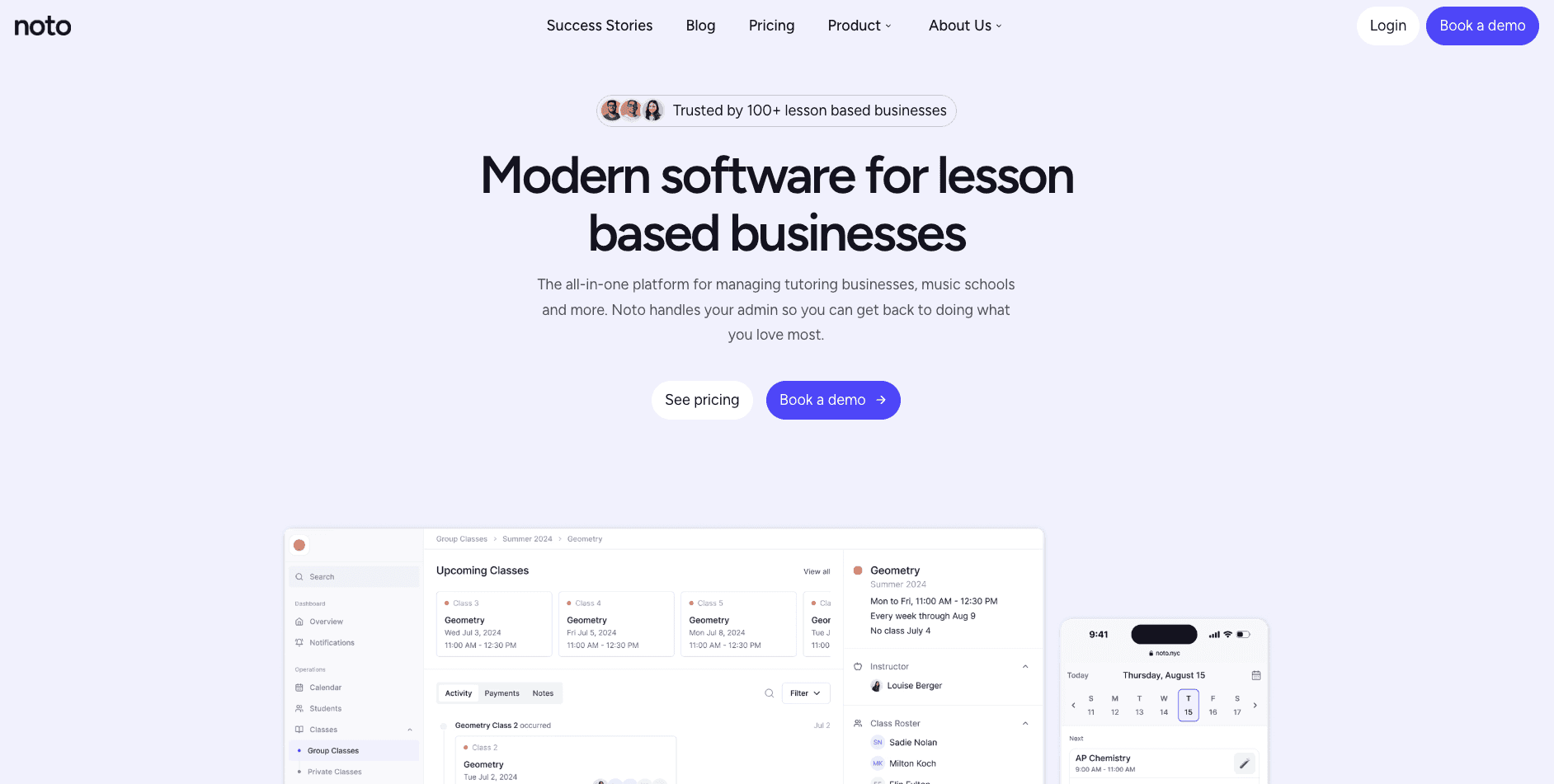
The system sends both email and SMS from the same interface where you manage students. You won't switch between apps to send reminders or duplicate contact lists. Messages trigger based on lesson events: upcoming sessions, payment processing, schedule changes, or policy updates.
Families use a parent portal to check schedules, review attendance records, and update payment methods. This self-service cuts down on repetitive inquiries about lesson times or payment status.
Since messaging connects to student records, you can contact one family about multiple children's lessons in a single notification. Messages stay organized by family account instead of splitting across individual student threads.
TutorCruncher
TutorCruncher covers key tutoring business functions including scheduling and client management, with basic email communication built in. You can send updates to parents and coordinate with instructors through the system.
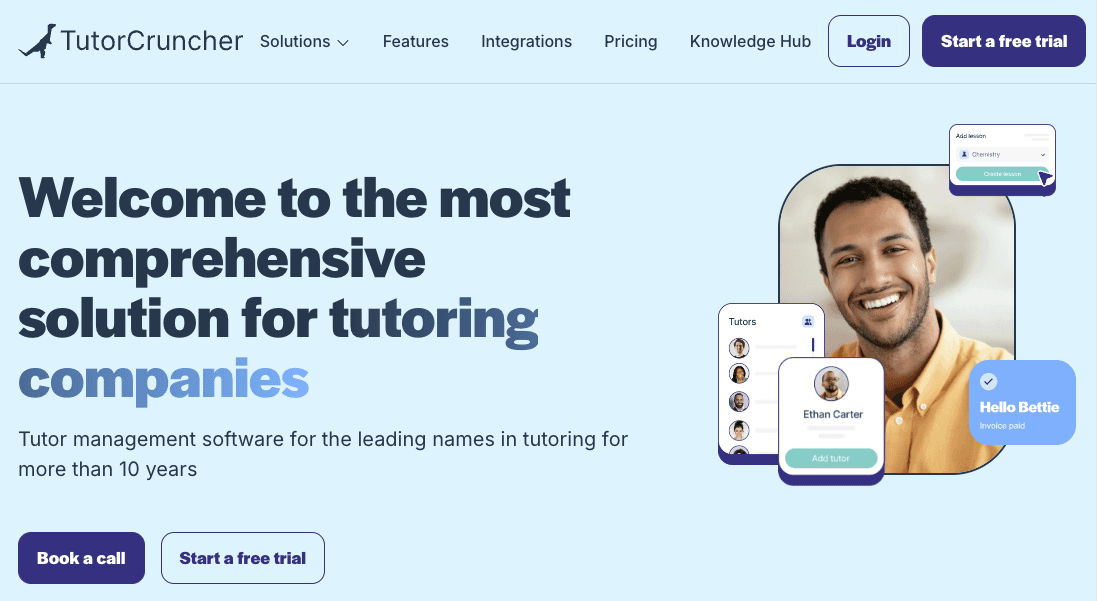
The communication limitations appear when you need SMS functionality or email automation. Those capabilities require connecting third-party services like Twilio for texting or Mailchimp for newsletters. Each integration means separate logins, additional monthly costs, and manual work syncing contact lists between systems.
If your communication needs stay simple (for example, occasional email updates to families), TutorCruncher can handle them. But when you want text reminders before lessons or automated payment follow-ups triggered by billing events, you'll build those workflows across multiple tools.
Teachworks
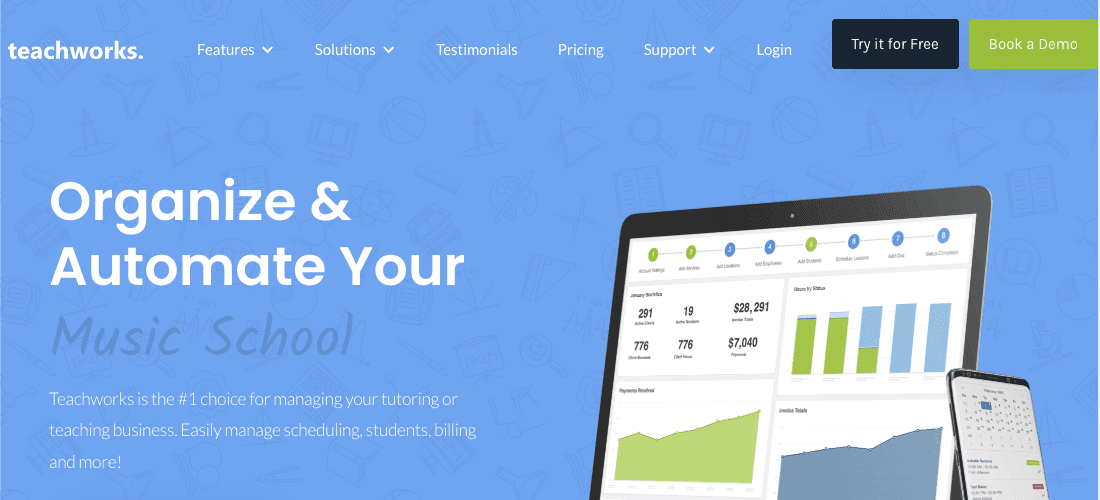
Teachworks provides scheduling and invoicing for tutoring businesses with email and SMS notifications as add-ons. Communication features require separate configuration from core workflows, which means more setup work if you need messaging that connects automatically to lesson data and billing events.
TutorBird
TutorBird handles scheduling and invoicing for individual tutors and small businesses. The software sends basic notifications when lessons are confirmed or schedules change.
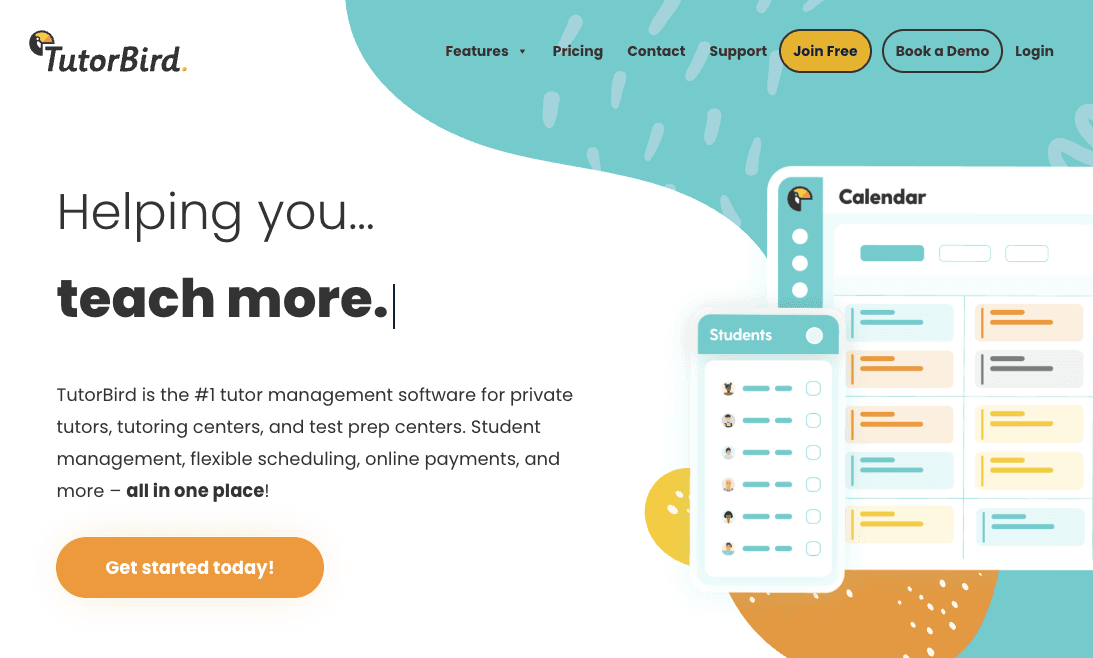
Without a dedicated CRM, parent conversations live outside the system. You'll track follow-ups in separate notes or spreadsheets rather than viewing communication history alongside student records. Messages may get lost, and you can't quickly review what you've already told a parent about their child's progress.
Standalone Communication Tools for Lesson Businesses
Apps like Remind, ClassDojo, and Bloomz focus exclusively on parent messaging and engagement. These tools handle broadcast announcements, photo sharing, behavior tracking, and newsletter creation with polished templates and delivery analytics.
The coordination challenge appears when your lesson schedule sits in one system while parent contacts live in another. Sending reminders requires manually checking your calendar, then creating messages with dates and times typed separately. When attendance changes or billing issues come up, you'll toggle between apps to reference data while drafting updates.
Schools with minimal administrative staff sometimes choose these tools when parent engagement matters more than reducing manual workflows. A music academy focused on community building might value ClassDojo's photo sharing and positive reinforcement features enough to accept the extra steps.
Most lesson businesses find the disconnection frustrating as student count grows.
Choosing the Right Communication Solution for Your Lesson Business
Start by identifying your biggest communication friction point. If you spend hours each week manually reminding families about lessons, you need automation. If parents constantly call asking about schedules or balances, you need a self-service portal. If messages get lost across text threads and personal email, you need centralized tracking.
Business size shapes tool requirements. Solo instructors can manage parent conversations through simpler systems or standalone messaging apps, but many people who are starting a tutoring business will want to plan for growth from day one.
Once you reach 30 families or add multiple instructors, disconnected tools create coordination problems that integrated software solves better.
Decide whether you're fixing communication in isolation or tackling broader operational challenges. If scheduling chaos, billing errors, and scattered student records already consume your time, an all-in-one system tackles all problems at once rather than patching one area.
The right solution reduces administrative burden while making your business feel organized and professional to families.
Final Thoughts on Parent Communication for Lesson-Based Businesses
Effective lesson business messaging happens when your communication tool understands how tutoring and music schools actually operate. Integration beats specialization for most lesson businesses because your updates revolve around real lesson events, not marketing campaigns. Choose based on what's actually slowing you down, and your families will notice the difference.
FAQ
How do I reduce the time spent sending lesson reminders to parents?
Automated messaging systems tied to your schedule send reminders before each session without manual work. The best solutions trigger notifications based on actual lesson data, so parents receive texts or emails at set intervals (like 24 hours before class) without you creating individual messages.
What's the difference between built-in communication tools and standalone messaging apps?
Built-in tools connect directly to your lesson records, attendance, and billing data, so messages include specific student information automatically. Standalone apps like Remind offer strong messaging features but require manually exporting contact lists and typing lesson details separately each time you send updates.
When should I consider adding a parent portal to my tutoring or music school?
If you're answering the same questions repeatedly about schedules, balances, or attendance records, a parent portal lets families access that information themselves. Most lesson businesses see value once they reach 30 or so families, when routine inquiries start consuming a lot of staff time.